X
- No products in the list
Quanser Rapid Control Prototyping Toolkit for LabVIEW
Faster control design and simpler connectivity for LabVIEW
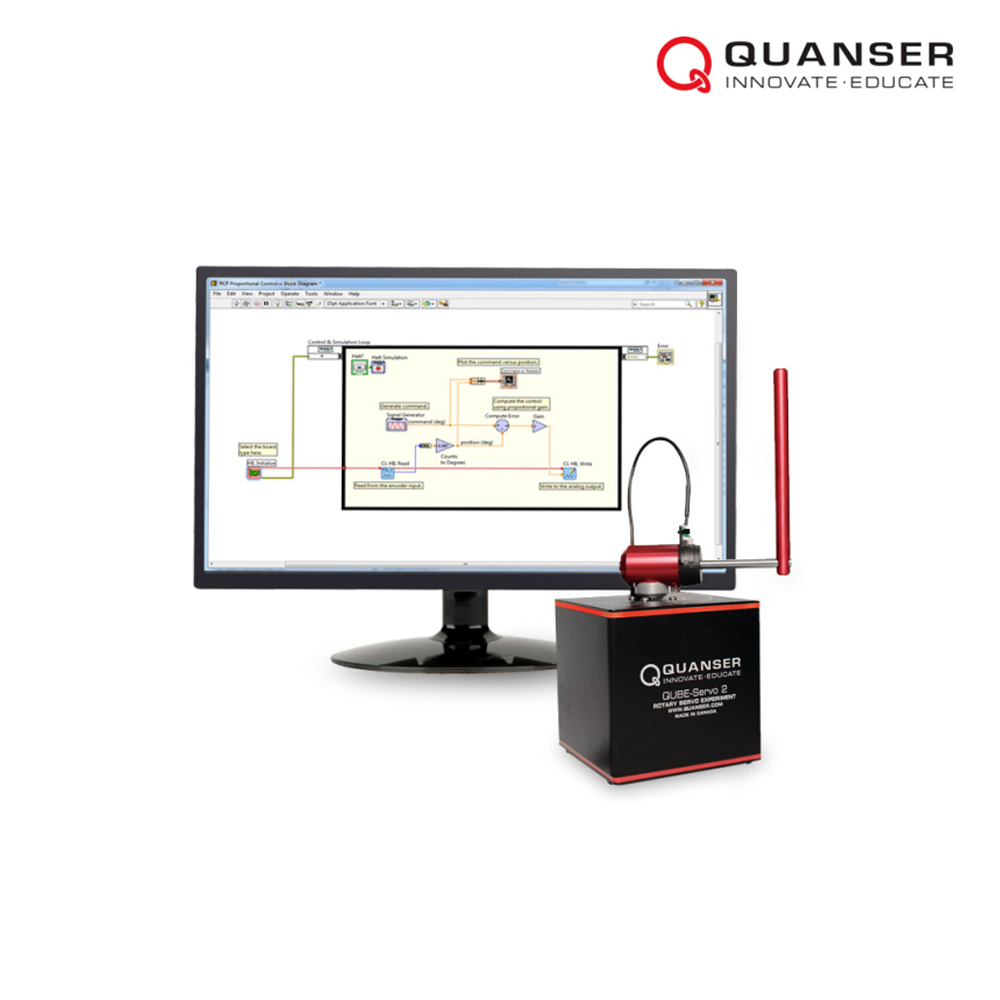
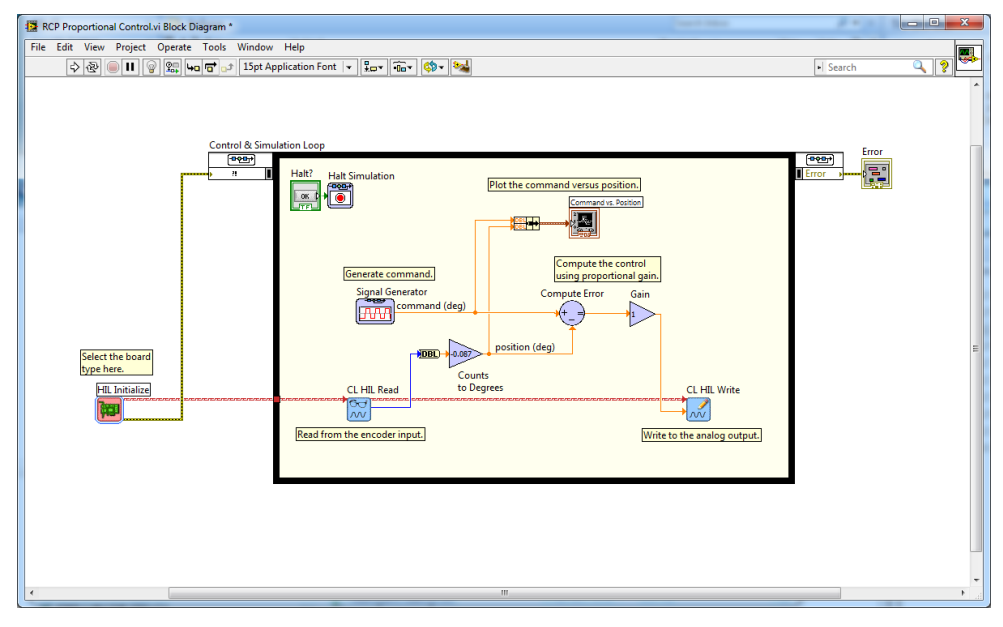
The Quanser Rapid Control Prototyping (QRCP™) toolkit is an add-on software for the NI LabVIEW™ graphical development environment. This powerful control design tool spans the spectrum of design, from simulation to control implementation. It significantly simplifies access to Quanser control experiments by taking care of all standard low-level software and hardware configurations. The resulting VIs are clear and match the standard system block diagrams, helping to bridge the gap between theory and practical implementations.
QRCP™ adds the ease of use and speed of development to control design programming in LabVIEW, significantly shortening the controller development cycle, and expanding capabilities of the NI LabVIEW Control Design and Simulation Module.
QRCP toolkit is comprised of a set of VI’s that simplify many common controls, robotics and mechatronics programming tasks. These include hardware interfacing, inter-controller communications and porting control code between control hardware.
Hardware access is achieved with a set of three hardware-independent, preconfigured HIL interface VI’s: HIL Initialize, HIL Read, and HIL Write. Porting your control code between your host and target systems is as simple as selecting a new I/O configuration, a process which can be accomplished in a few seconds.
All of the outputs controlled by the QRCP VI’s are zeroed when the controller is stopped, whether it was stopped appropriately or aborted unexpectedly. This supervisory safety feature is crucial in an undergraduate teaching laboratory environment where students may be unfamiliar with proper programming practices.
Within QRCP is a set of VI’s that greatly simplifies inter-controller communications required for distributed control. Researchers and educators can switch between protocols such as TCP/IP, UDP, shared memory or RS232, via one menu within the Stream Server and Stream Client VI’s.
• Significantly simplifies Quanser control experiments setup and interfacing
• Allows for easier and faster control design programming in LabVIEW
• Protocol-independent VIs supporting TCP/IP, UDP, shared memory, RS232 serial communication
• Outputs are safely zeroed when VI is stopped or aborted
• Supports over 20 data acquisition boards from both National Instruments and Quanser
• Supports over 25 Quanser control plants
• Can be used with the NI LabVIEW Control Design and Simulation Module
| Supported host system | 64-bit Microsoft Windows 10 |
| Supported target system | PC or PXI running 64-bit Microsoft Windows 10 |
| Software requirements | • 64-bit LabVIEW 2020 or LabVIEW 2021 • LabVIEW Control Design and Simulation Module (used in most curriculum VIs) • NI Device Drivers (i.e., NI-DAQmx) • LabVIEW MathScript RT Module (only used in certain curriculum VIs) |

แขนกลหุ่นยนต์ที่มีข้อต่อหมุนอิสระ 4 แกน (DOF) พร้อมกับกริปเปอร์ (มือจับชิ้นงาน) 2 ตอน พัฒนาและทดสอบอัลกอริทึมและระบบควบคุมได้อย่างรวดเร็ว ชุดสื่อการสอนแบบครบถ้วน เชื่อมโยงกับตำราหุ่นยนต์ยอดนิยม

สำหรับใช้ในการทดลอง ไม่ว่าจะเป็นด้านพลศาสตร์ของโครงสร้าง การจำลองการเคลื่อนไหว การศึกษาการสั่นสะเทือน สามารถประยุกต์ใช้กับเทคโนโลยีในการกายภาพบำบัด รวมถึงการวิจัยในอีกหลากหลายรูปแบบ
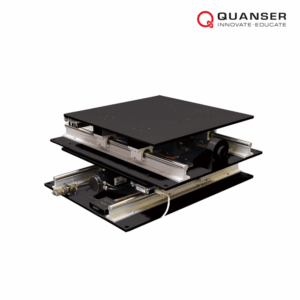
เหมาะสำหรับงานวิจัยและการเรียนรู้ขั้นสูง รองรับการศึกษาด้านวิศวกรรมโครงสร้างและระบบควบคุม จำลองแผ่นดินไหวจริงได้ สามารถป้อนข้อมูลจากเหตุการณ์จริงเพื่อศึกษาผลกระทบต่อโครงสร้าง

Quanser Rotary Servo Base Unit is a modular control experiment platform for teaching servo motor control concepts using a DC motor and encoder.